
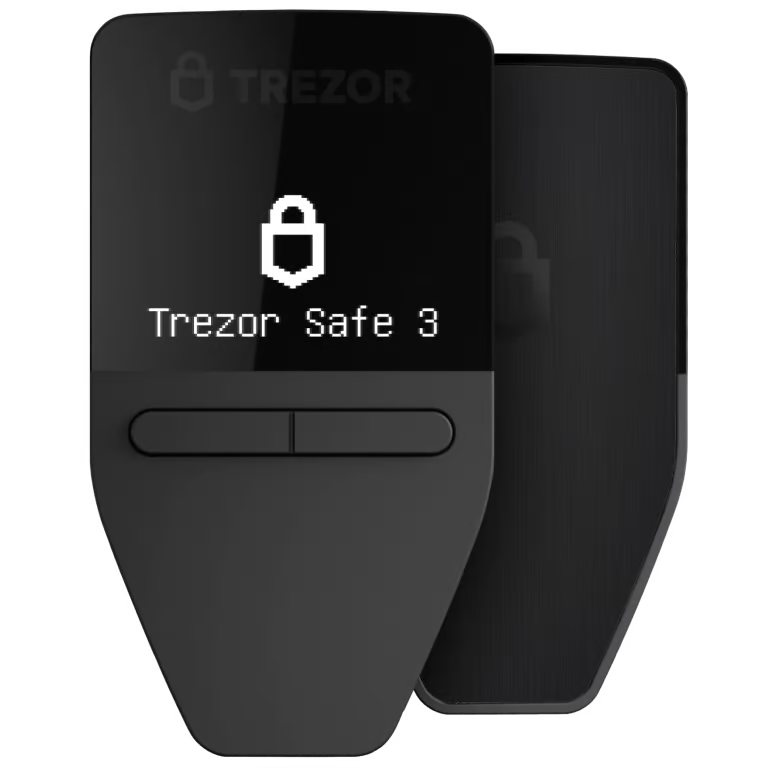
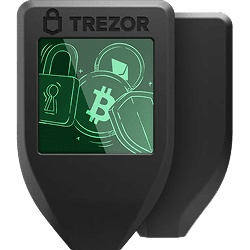
Trezor Safe 3 vs Trezor Model T

Key differences
- The Model T has a large full-color touchscreen, while the Safe 3 has a small non-touch OLED display.
- The Safe 3 is more affordable at $79, while the Model T costs $129.
- The Model T supports MicroSD backup and offers a more premium user experience, while the Safe 3 is a budget-friendly secure option.
Jump to section
Launch
2023
2024
Screen Size
0.96" OLED (128x64 pixels)
1.54" Color LCD Touchscreen
Box Includes
- Safe 3 device
- USB-C cable
- backup cards
- guide
- stickers
- Trezor Model T hardware wallet
- USB-C to USB-A cable
- 2x Wallet backup card
- Magnetic dock
- Start-up guide
- Trezor stickers
Security Features
Passphrase Support
Passphrase Entry
Device or computer
Device or computer
PIN Protection
Shamir Secret Sharing
Tor Support
Usage
Platforms
- Windows
- macOS
- Linux
- Android
- Windows
- macOS
- Linux
- Android
- iOS
Supported Coins
Bitcoin & 1000+ other coins and tokens
Bitcoin & 1000+ other coins and tokens
Interfaces
USB-C, Buttons
USB-C, MicroSD card slot, Touchscreen
Technical Details
Secure Elements
EAL6+ certified secure chip
OPTIGA™ Trust M (V3) secure element & CC EAL6+ certified secure chip
Open Source
Hardware & Software
Hardware & Software
FIDO Authentication
Size
59x32x7.4 mm (2.3x1.3x0.3 in)
64x39x10 mm (2.52x1.54x0.39 in)
Weight
14g (0.5oz)
22g (0.8oz)
Bitcoin-Only Version
Integration & Multisig
Integrations
Multisig Support ?Multi-signature wallets require multiple keys to authorize transactions (e.g., 2-of-3). Adds security by eliminating single points of failure.
Display Technology
Display Type
Monochrome OLED
Not specified
Touchscreen
No (button controls)
No (button controls)
Build Quality
Body Material
PMMA plastic + reinforced glass
Not specified
Water Resistance ?IP67 rating means fully dustproof and can survive submersion in 1 meter of water for 30 minutes. Protects against accidental spills and drops.
Not rated
Not rated
Haptic Feedback ?Vibration feedback when pressing buttons or confirming actions. Provides tactile confirmation that your input was registered.
No
No
Connectivity & Power
Bluetooth ?Wireless connectivity for pairing with mobile devices. Enables cable-free transactions but some users prefer USB-only for security.
No
No
NFC ?Near Field Communication for tap-to-connect with compatible devices. Convenient for quick mobile transactions.
No
No
Wireless Charging
No
No
Cable Type
USB-C to USB-C
USB-C
Battery
No battery (USB powered)
No battery (USB powered)
Advanced Security
Quantum Ready ?Designed to receive firmware updates with quantum-resistant cryptography. Protects against future threats from quantum computers that could break current encryption.
No
No
Dual Secure Element ?Uses two separate secure chips instead of one. Provides redundancy and additional tamper protection for storing your private keys.
Single chip
Single chip
iOS Compatibility ?"Full" means you can send, receive, and manage crypto on iPhone. "Limited" typically means view-only or requires desktop for transactions.
Limited (check balances only)
Limited (check balances only)
Company Details
Parent Company
SatoshiLabs
SatoshiLabs
Parent Company Founded
2013
2013
Security Incidents
In March 2024, Ledger discovered a vulnerability in the microcontroller that could bypass firmware integrity checks. Trezor patched the issue, with no user funds compromised or action required.
In March 2024, Ledger discovered a vulnerability in the microcontroller that could bypass firmware integrity checks. Trezor patched the issue, with no user funds compromised or action required.
 BitBox02
 Ledger Nano X
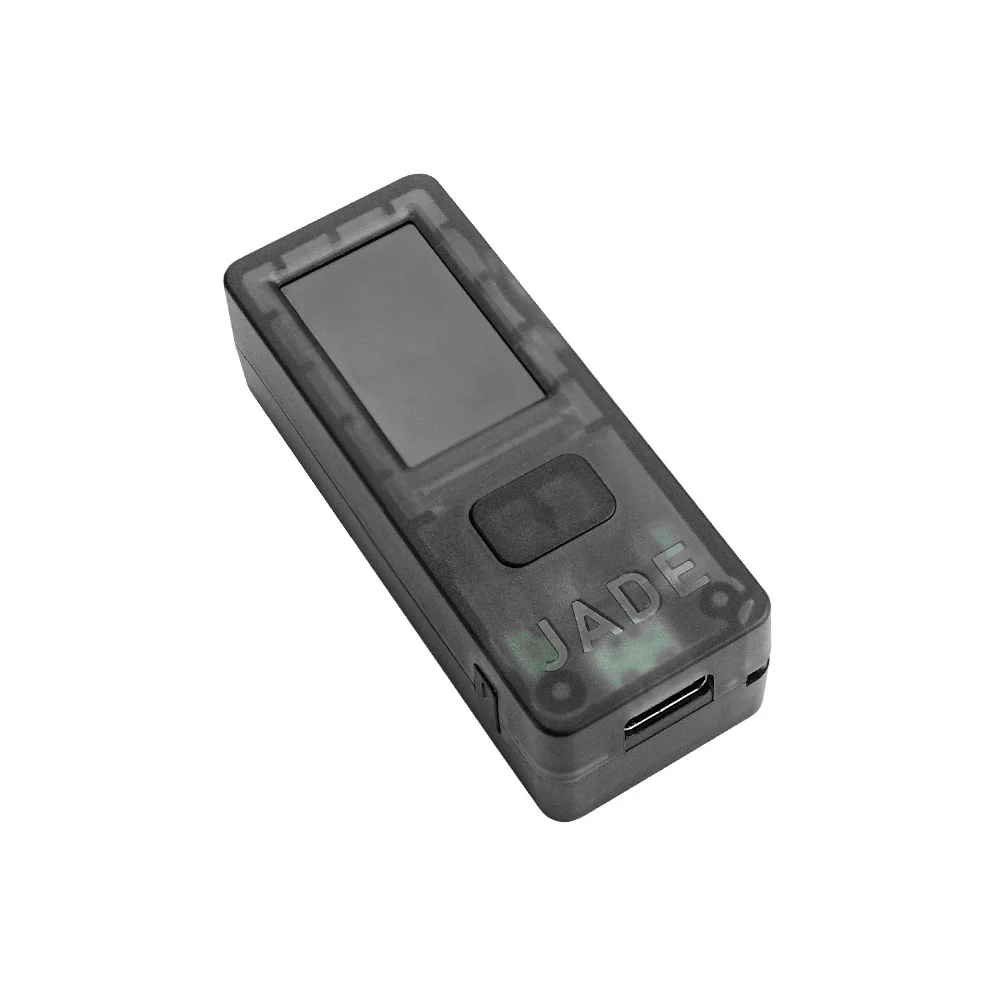 Blockstream Jade
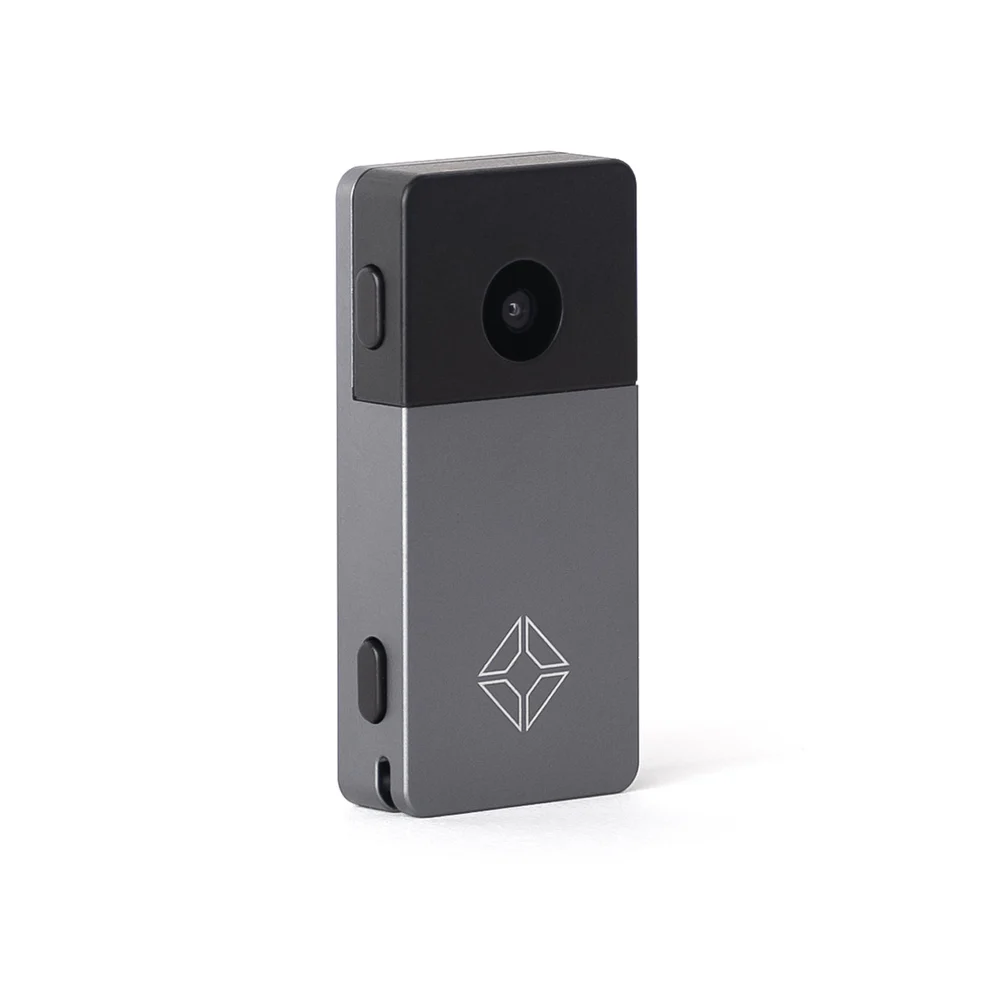 Blockstream Jade Plus
 Coldcard MK4
 Coldcard Q
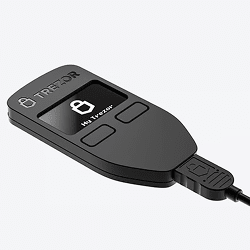 Trezor Model One
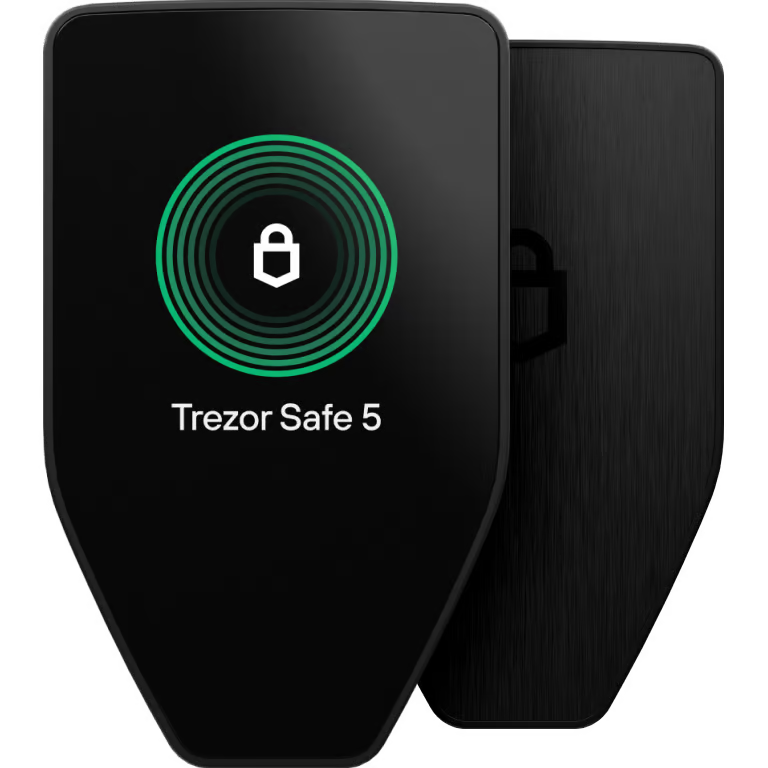 Trezor Safe 5
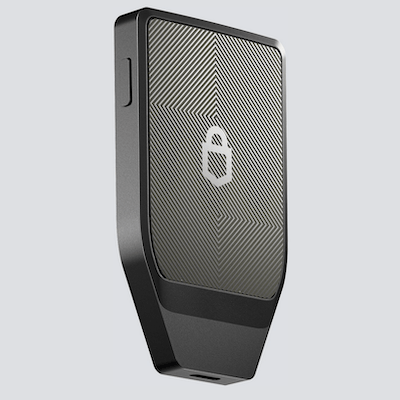 Trezor Safe 7